


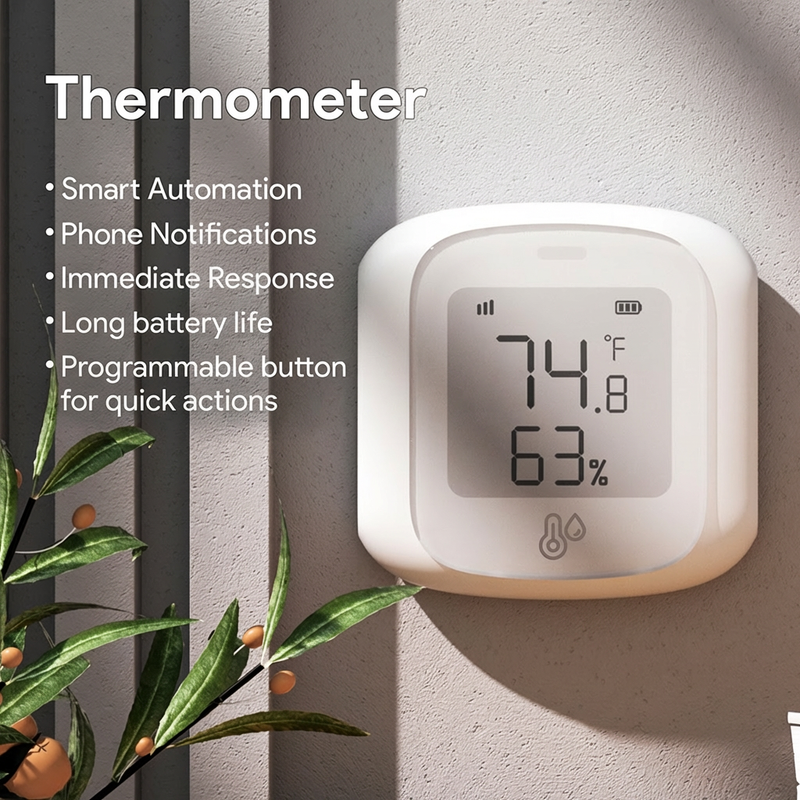
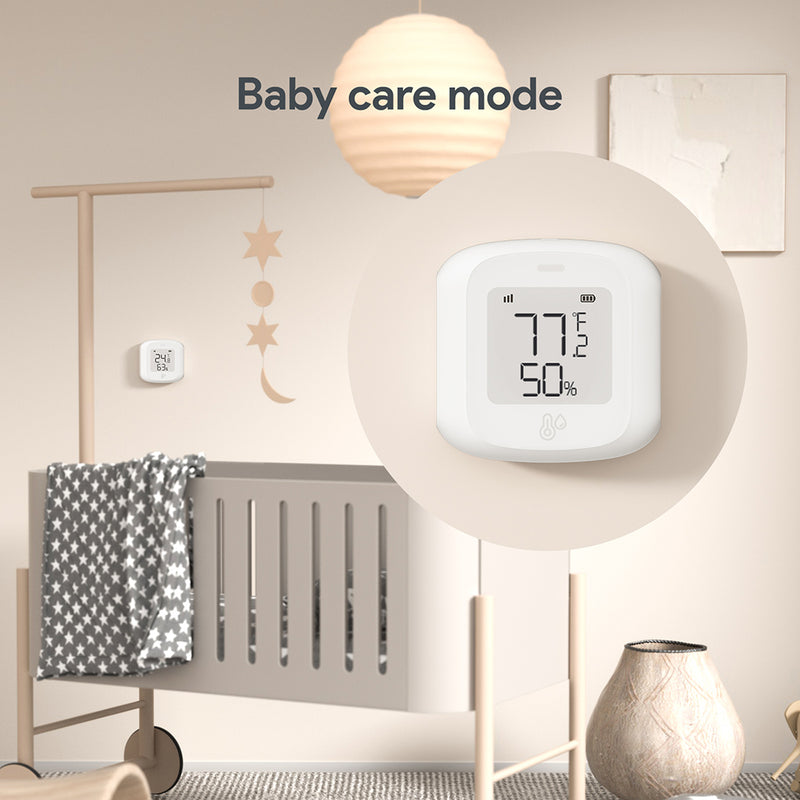

Thermometer
Monitor real-time indoor temperature and humidity
Introducing Thermometer


Real-World Cases

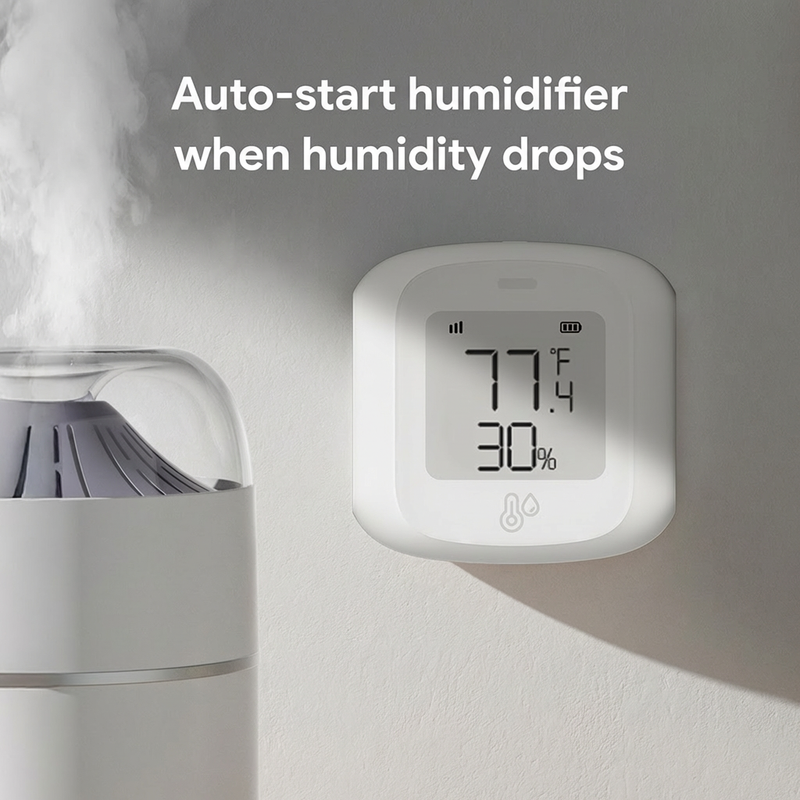
Climate Automation
Monitor temperature and humidity in real time and automate devices to keep your room comfortable.

Humidity Monitoring
Track indoor humidity levels so you know when it’s time to run a humidifier or dehumidifier.

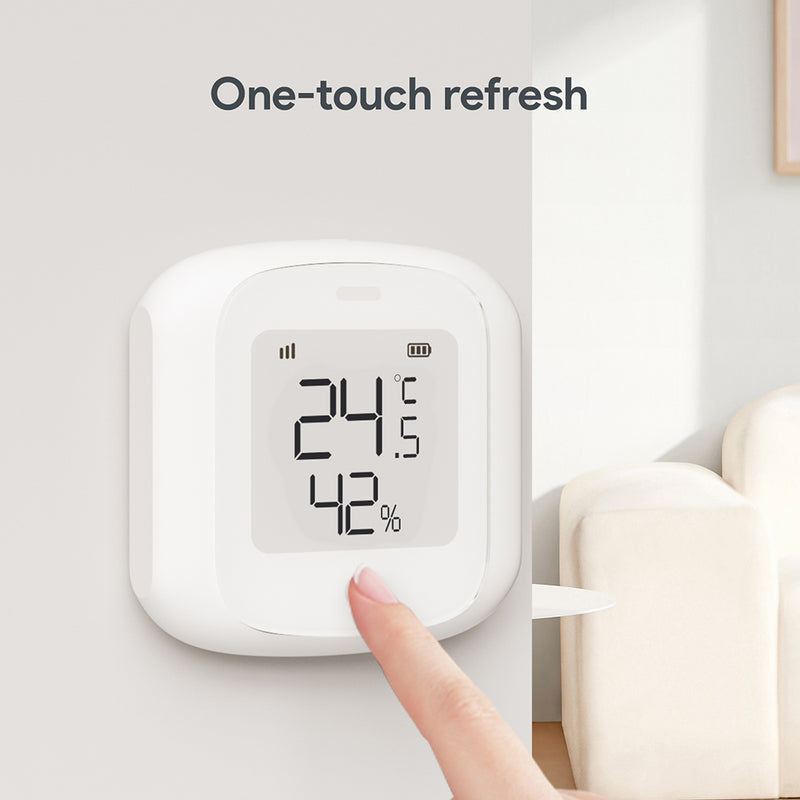
At-a-Glance Readings
Check temperature and humidity instantly on the display with a quick glance.
Specifications
Works with your favorite platforms
 Amazon Alexa
 Google Home
 Siri
Siri
 IFTTT
IFTTT
 Tuya Smart
 Smart Life
 SmartThings
 Home Assistant
What customers say
"I installed Fingerbot® on my garage light switch and coffee maker. Now everything turns on automatically with my morning routine. Absolute game-changer for home automation!"
"Setup took literally 30 seconds. The adhesive is strong and the app is intuitive. Works perfectly with Alexa and I love the scheduling feature."
"Battery life is incredible. I've had mine running for 6 months and it's still going strong. The ZigBee connection is super reliable too."
"Perfect for my elderly parents who struggle with small switches. Now they can control everything by voice. The push force is more than enough."
"I've tried other smart button pushers and this is by far the best. The build quality is solid, the app works flawlessly, and customer support is excellent."
"Bought three of these for different rooms. The scheduling feature is a lifesaver — my porch lights turn on at sunset and off at sunrise automatically."
Frequently Asked Questions
The sensor samples every 15 minutes and compares with the previous reading. It reports when temperature changes by ≥1°C or humidity changes by ≥6%. If nothing triggers a report for 8 hours, it sends a forced update with the current temperature and humidity.
The screen refreshes on the device’s 15-minute sampling cycle. The app updates only when a report is sent (≥1°C temp change or ≥6% humidity change), or during the 8-hour forced update—so the app may not change every 15 minutes.
Different sensors can have normal accuracy variation. Typical accuracy is about ±1°C for temperature and ±6% for humidity.
Open the app and go to Settings to view battery level. You can also enable a low-battery reminder.
After changing units in the app, press the reset button (using the reset pin) to apply the new unit on the device display right away.


